

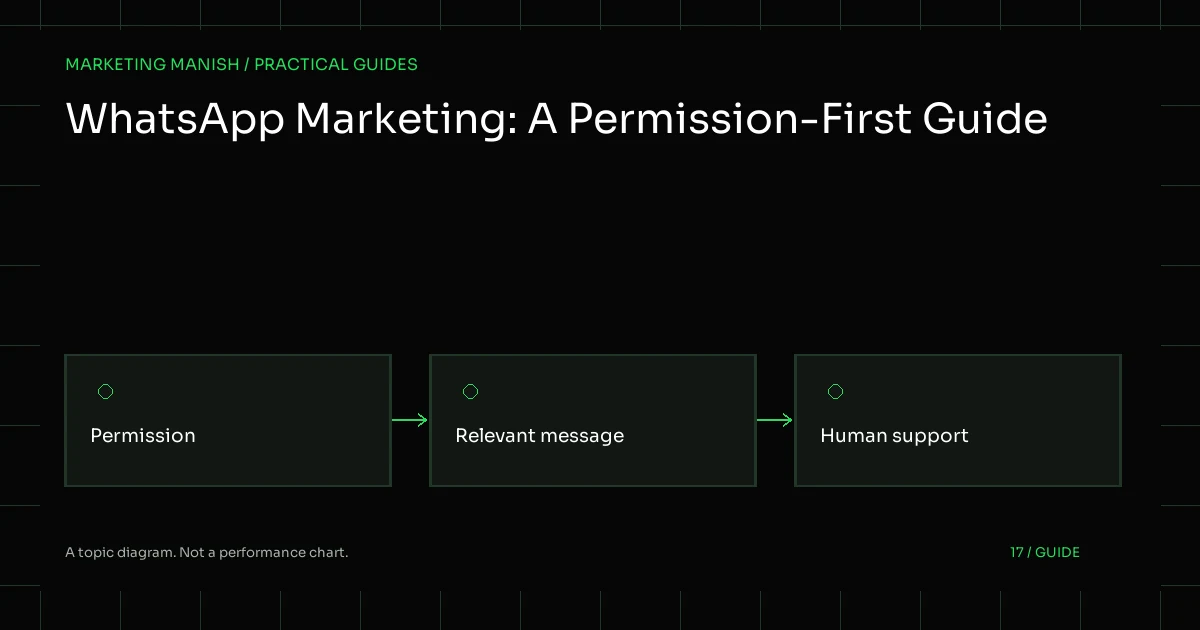
WhatsApp marketing should start with an expected, useful conversation and appropriate permission. A phone number collected for one purpose is not automatically permission for every future campaign. The business needs to understand what the person agreed to, what messages it intends to send and how a request to stop will be respected.
The channel also has different products and technical paths. A click-to-chat button, the Business app and an official API workflow are not interchangeable. This guide explains how to plan the work responsibly without pretending that an interface, a prototype or an approved template guarantees production delivery or sales.
Choose the communication purpose first
Describe the actual journey: a person asks a question, requests a quote, receives a relevant update or chooses to hear about an offer. Those are different contexts. A useful plan should identify the purpose and the expected next action before choosing a broadcast or automation feature.
A hypothetical service business might use a conversation to collect the minimum information needed for a quotation. That does not imply permission to add the person to unrelated promotional messages indefinitely. Keep customer expectations and preferences attached to the workflow rather than assuming that one interaction covers every use.
Define who responds and what they can promise. A message should not offer a fixed turnaround, price or availability that the business has not confirmed. If the request needs expert review or sensitive information, explain the appropriate handoff instead of asking an automated system to guess.
Read the current platform policy
The WhatsApp Business Messaging Policy is the primary reference for platform rules. At the time of this review, it requires the recipient to have provided a number or username and opt-in permission for subsequent messages or calls. It also requires businesses to respect requests to stop communications.
For the Business Platform, the current policy describes approved templates for initiating conversations and a customer-service window for replies. It identifies a 24-hour window that resets with a user message, with approved templates required outside that window. Review the live documentation before implementation because product rules and pricing can change.
Platform policy is not a substitute for reviewing applicable privacy and communications obligations. The business is responsible for appropriate notices, permissions and records. Do not infer a universal legal conclusion from a setup tutorial or treat a provider’s technical acceptance as evidence that every intended use is compliant.
Understand the app, links and official platform
A website link can open WhatsApp with a suggested message. The visitor still decides whether to send it. That click is an interaction, not a stored lead or proof that a conversation happened. Keep its analytics definition separate from a confirmed enquiry.
The Business app offers a different operating experience from an official API integration. Feature availability can vary, and a workflow designed for one should not be described as implemented in the other. Check the actual account, product and permissions before promising automation, templates or multi-person handling.
An official API project can involve provider choices, application permissions, account approvals and ongoing charges. Those need explicit review and approval. A messaging service scope should identify those dependencies instead of silently introducing a paid service or claiming delivery from an unverified request.
Collect permission clearly and keep useful records
Explain who is communicating, what kind of messages the person can expect and how they can stop them. The wording should be understandable in the context where the number is collected. Avoid a hidden or misleading assumption that a general enquiry form grants broad promotional permission.
Keep enough evidence to understand the permission without collecting unnecessary private information. Useful records can include the wording, source, time and preference state relevant to the chosen process. Access should be limited to people who need it for the communication and support work.
Do not import scraped or purchased lists as a shortcut. Even if software accepts the file, that does not establish appropriate permission or customer expectations. An owner should be able to explain why each audience is relevant and what basis supports the intended messages.
Write messages with a clear, honest purpose
A message should make sense without forcing the recipient to decode a vague promotion. Identify the business, explain the relevant information and provide a practical next step. Keep urgency truthful; do not invent expiring offers or personal relationships to increase responses.
Templates should be based on approved facts and used for the purpose the platform allows. Approval does not mean the text will remain suitable after an offer or service changes. Assign an owner to review the content and keep variable fields from introducing unsupported claims.
Do not echo sensitive details unnecessarily. A general acknowledgement can confirm that an enquiry was received without reproducing the person’s private message. Where an administrator needs to review information, a protected link can be more appropriate than putting the full enquiry into every notification.
Make opt-outs operational
A preference should affect the actual sending process, not remain an informal note in one person’s chat. Define how a stop request is recognized, recorded and applied to the relevant communication lists or workflows. Ensure that reassignment or a new campaign does not silently reintroduce a suppressed contact.
Respect requests received through other appropriate channels too. If a person asks the business to stop, the team needs a clear way to act. Do not make the process depend on a specific keyword when the request is otherwise understandable and the current obligations require it to be respected.
Review failure and edge cases: a duplicated record, a changed number, a manual export or an old automation. The purpose is to make preferences dependable throughout the system. Marketing convenience should not override a clear choice about communication.
Use automation with a human escalation path
Automation can help organize common questions or route an enquiry, but it needs limits. Use approved source information and a clear fallback when the request is uncertain or outside scope. Do not allow a model to invent a price, appointment, office or professional answer.
Keep a person available for situations the workflow cannot safely resolve. The current platform policy also addresses clear escalation paths for automated responses in the relevant context. Check the live rules and design the handoff so the recipient understands what will happen next.
An automation project should include normal and failure tests, provider permissions, cost controls and a way to stop the workflow. It should not be described as production-ready merely because a demonstration sends one successful request.
Protect customer information and account access
Use role-based access where available and keep business ownership clear. Do not share passwords through ordinary enquiry forms or give every operator unrestricted administrative rights. Review what a provider receives and whether that information is necessary for the agreed purpose.
Keep private enquiry fields out of general marketing analytics and URLs. A WhatsApp link can contain a generic contextual message about the page, but should not append a customer’s email, health details or other sensitive information. Logs should record operational identifiers rather than full message contents or credentials.
Document how access is revoked and what happens to records when a provider changes. The business needs to retain control of its audience and preferences. A responsible integration makes the data flow understandable instead of hiding it behind an opaque connector.
Measure stages instead of claiming every click as a lead
Distinguish link clicks, actual messages, relevant enquiries and final outcomes. Each answers a different question. If the system can observe only a click, report it as a click. Do not create a CRM lead record merely because someone opened a conversation link and may never have sent anything.
A lead process should define what information confirms a real enquiry and who reviews it. Use status changes and appropriate internal notes to improve follow-up, without pushing private conversation text into advertising or analytics platforms.
Production delivery needs evidence. Check the actual configured provider, account permissions, template status and receiving device where authorized. A queued job or accepted API response can be one step, but should not be presented as proof that the recipient received and read the message.
Permission-first checklist
- The message purpose and audience are defined.
- Current policy and applicable obligations are reviewed.
- The app, click-to-chat and API scope are distinguished.
- Permission wording and preference records are clear.
- Templates and variables contain approved facts.
- Opt-outs stop the relevant communications.
- Automation has limits and a human handoff.
- Access, private data and provider costs are controlled.
- Reports distinguish clicks, messages and qualified enquiries.
Test preference changes with clearly labeled sample contacts before enabling a production workflow. Check that a duplicated contact does not bypass suppression, a reassigned enquiry keeps its preference and a failed send remains visible for review. These checks should use safe fixtures and appropriate access. They help distinguish a dependable communication process from a demonstration that merely opens WhatsApp or submits one API request, and they give the owner concrete items to verify during handover.
Request a free marketing audit to review the enquiry and follow-up process, including permission records and operational ownership, before adding a paid messaging integration.