
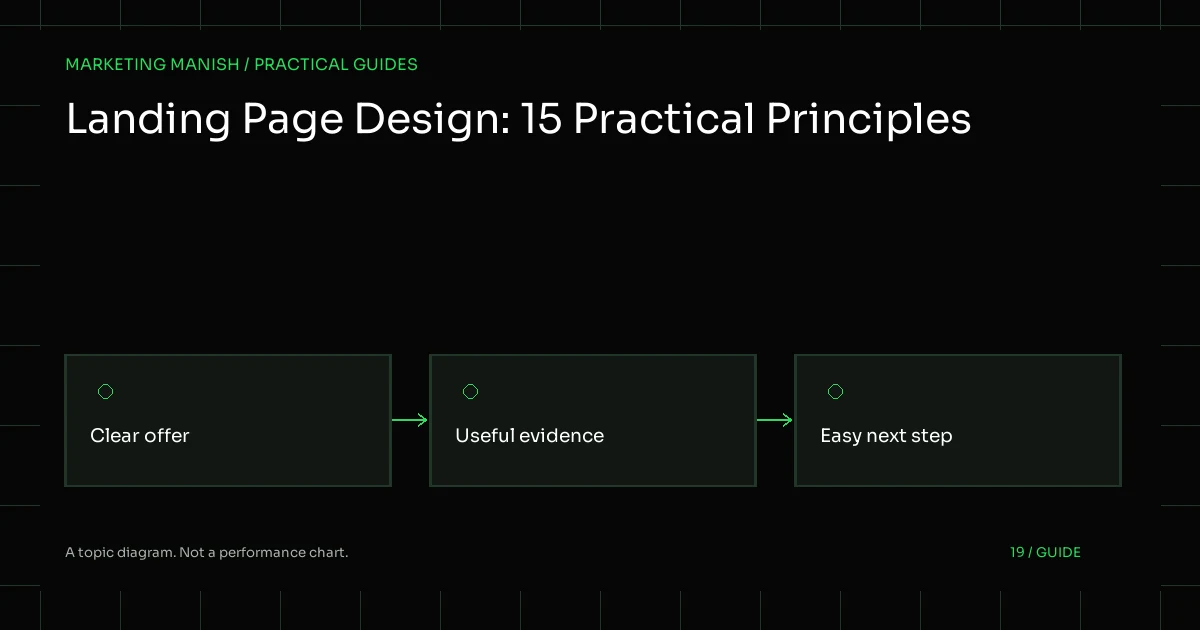
Landing page design tips are useful when they help a visitor understand an offer and complete an appropriate action. They are less useful when presented as a universal formula for a guaranteed conversion rate. Demand, trust, pricing, traffic quality and follow-up also influence what happens after someone arrives.
The following fifteen principles are practical design and implementation checks. They are not claims of measured results from this brand or proof that every page should look the same. Use them to review a real journey, keep factual claims honest and define the evidence needed before describing a page as ready.
1. Define one primary job
Write the page’s purpose in plain language: explain a defined service and invite a relevant enquiry, for example. A clear job helps decide which information belongs and which elements distract. It also gives the team a meaningful way to test the page beyond whether a stakeholder likes the colors.
Keep secondary actions available only where they help the reader. One primary purpose does not mean withholding essential information or trapping someone on a page. The right amount of navigation depends on the audience and task, not a rigid template rule.
2. Match the incoming promise
The visitor should recognize the offer described by the ad, search result or link. If the incoming message discusses one service, a broad page that forces another search can create uncertainty. Use clear continuity in subject, scope and the next action.
Check factual conditions too. A limited offer, eligibility requirement or service-area boundary should remain visible in the destination. Do not use a more exciting promise in the ad and hope the landing page’s quieter wording will resolve the mismatch.
3. Use a specific, readable headline
A useful headline identifies the offer or decision clearly. It should not depend on vague transformation language or an unsupported commercial outcome. Read it without the surrounding design and ask whether a new visitor could explain what the page is about.
Test real text at narrow widths. A headline that looks balanced in a mockup may clip, overlap or become awkward when the content changes. Typography, line height and spacing should handle approved copy rather than require every title to match a designer’s sample length.
4. Explain who the offer suits
Give the reader enough information to judge fit. Relevant details can include the type of problem, the scope of work and important exclusions. This can reduce unsuitable enquiries without relying on a long qualification form to do all the explanation.
Use hypothetical examples honestly when real case material is unavailable. A planning scenario can illustrate a need, but should not be styled as a client story or supported by invented before-and-after figures.
5. Make the next step understandable
A button label should explain the action, such as requesting an audit or asking for a quote. Tell the visitor what happens after submission and whether the request creates any obligation. Avoid implying immediate delivery when the business first needs to review the details.
Use an action that matches the reader’s stage. Someone still researching may need a service explanation before a consultation. A focused page can still provide that context without adding several equally dominant calls to action.
6. Use real evidence or omit it
Testimonials, ratings and case-study numbers must come from genuine, verifiable material with appropriate permission. A visually empty proof section is not a reason to invent a customer name or project result. Hide the section until the owner supplies usable evidence.
In the meantime, explain the process, responsibilities and limits clearly. Original product or process imagery can support understanding without pretending to demonstrate a commercial result. A topic diagram should be labeled as a diagram, not a performance chart.
7. Answer important objections directly
List the questions that prevent a useful decision: what is included, what affects cost, what access is needed and what cannot be guaranteed. Give those questions a readable place in the page rather than hiding every qualification in a footer.
Keep answers aligned with the real service. If pricing is not confirmed, explain the factors and quotation process instead of fabricating a starting price. Accurate limitations can improve clarity even when they make the sales message less dramatic.
8. Keep forms proportionate
Collect the information needed for the next step. A free-audit form may need the website and main goal; a quote request may need service choices and timing. Do not request sensitive customer records or passwords through an ordinary marketing form.
Labels should remain visible and required fields should be clear. A placeholder is not a complete label. Use appropriate input types, phone handling and autocomplete where suitable so a mobile visitor can complete the task without unnecessary effort.
9. Design errors and success states
Invalid input should produce useful messages and preserve appropriate entered values. Associate errors with their fields and provide a clear summary. A generic red border alone can be hard to understand, especially for someone using assistive technology.
Confirm a successful outcome only after the server accepts and stores it. Retries should not create duplicate records. A lead workflow needs that dependable state change before notification email or analytics is treated as evidence of success.
10. Make mobile the real review surface
Read the full page on a narrow screen, not just a resized hero. Check menus, buttons, tables, forms, consent banners and the footer. Long labels and real headings should not create page-level horizontal scrolling or overlap important controls.
Pay attention to touch targets and focus order. A floating chat button should not cover a form or remain in the way when the mobile menu is open. A responsive implementation should verify those interactions rather than infer them from CSS breakpoints.
11. Protect accessibility and no-JS use
Use semantic headings, sufficient contrast, meaningful link labels and visible keyboard focus. A visual effect should not be required to reveal essential information. Respect reduced-motion preferences and provide a stable final state when optional animation is disabled.
Core forms should have a normal server submission path. JavaScript can improve feedback, but a script error should not turn the contact page into a decorative form. Test keyboard navigation and no-JavaScript behavior explicitly.
12. Spend the performance budget deliberately
Reserve image space, use suitable sizes and prioritize the main visual appropriately. Self-host licensed fonts when that is part of the project requirement, and avoid loading a large library for a small effect. Every script should have a clear purpose.
Google’s Core Web Vitals guidance provides context for experience metrics. Record lab conditions honestly and distinguish them from live field data. A local build is not proof of production performance.
13. Treat privacy controls as behavior
A cookie banner must control the tags it describes. Test network requests before a choice, after rejection and after acceptance. Optional analytics should not run secretly behind a banner, and private admin or preview pages should remain excluded.
Keep personal form fields out of analytics events and URL parameters. Explain how enquiry details are used through an accessible policy and collect only what the business needs for the intended response.
14. Measure the confirmed action
Define the primary outcome before launching traffic. A button click, WhatsApp link click and stored enquiry are different events. Use clear names and avoid counting a failed validation attempt as a lead.
A tracking review should check duplicates and consent as well as the happy path. Reports need context about attribution and missing data instead of treating every interface as a perfectly complete account of the journey.
15. Verify the release and follow-up
Check actual URLs, assets, forms and protected paths after an approved deployment. Production hosting, caches and SMTP can differ from local assumptions. A queued message should not be described as delivered until the relevant end-to-end path is verified.
Assign someone to review new enquiries and keep the offer current. The page’s job continues after publication: links, service details and availability can change. Keep a revision and a dated record of the checks rather than declaring the design permanently finished.
Put the principles into a small acceptance plan
Choose a representative mobile and desktop journey, write the expected result and test it. Include invalid input, no consent, duplicate submission and no-JS use. Keep genuine business details and proof as owner review items rather than filling the gaps with fictional material.
Choose the next test with care
When considering a change, state the problem and the mechanism you expect to improve. “Make the button green” is not a complete hypothesis. “Clarify that the request is for a reviewed quotation rather than an instant fixed price” gives the team a more meaningful communication question to investigate.
Do not claim a winning experiment from a few unexplained observations. Audience differences, traffic sources and operational changes can affect the result. If the available evidence is limited, record that limitation and combine it with direct usability checks and business feedback.
A smaller improvement with clear acceptance checks can be more useful than a complete redesign with no baseline. Keep the real visitor task, factual accuracy and dependable submission path at the center of the decision.
Request a free SEO and marketing audit if you want to identify the most useful changes before redesigning an entire site.