
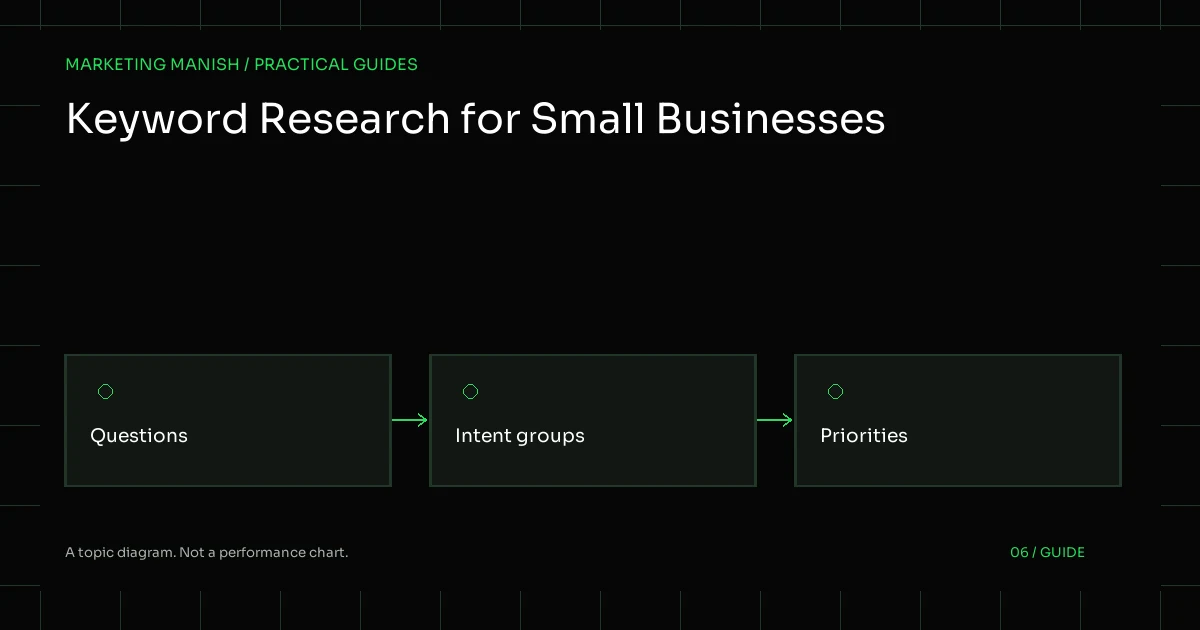
Keyword research for a small business is a practical way to understand how people describe needs, questions and buying decisions. It does not have to begin with a paid tool or a very large spreadsheet. A useful plan starts with what the business genuinely offers, the people it can help and the information those people need before taking action.
The output should be a set of sensible page and content priorities. A list of phrases without intent, ownership or a destination page is difficult to use. The process below combines business knowledge, available first-party evidence and free research methods without pretending that a search-volume estimate is a forecast of traffic or revenue.
List real offers and the questions behind them
Write down the services or product groups the business actually provides. Add important limitations, service areas, buyer types and the information required before quoting. This establishes a factual boundary for research. It also helps prevent attractive but irrelevant phrases from entering the plan simply because they appear in a tool.
Collect customer language from appropriate sources: enquiry themes, sales questions, support topics and conversations with the people who deliver the work. Remove personal information when organizing notes. You need patterns in questions, not a copied collection of private messages or customer records.
For a hypothetical equipment supplier, seed topics might include the product type, application, compatibility and quotation requirements. For a service provider, they might include the problem, scope, process and eligibility. These are planning examples, not claims about existing customers or demand levels.
Separate the purpose behind a query
A phrase can reveal whether someone is learning, comparing, finding a provider or trying to complete a task. Use those distinctions to ask what kind of page would help. A definition guide and a service page may discuss the same subject while serving different points in the decision.
Do not force every informational question into a sales page. Equally, do not create a long educational article when the visitor mainly needs a concise service description and a way to enquire. The research should make the intended experience clearer instead of treating all keywords as interchangeable opportunities.
Some queries are ambiguous. Review the surrounding language and current search results, then record the uncertainty. The business may decide not to prioritize a term until it can explain the fit. An honest “unclear” in the research is more useful than an invented confidence score.
Use Search Console where there is existing evidence
If the site has access to Search Console, inspect the queries and pages associated with available organic-search activity. Look for questions the site is already partly answering, pages appearing for unintended topics and relevant groups that may need clearer content. Respect the tool’s definitions and data limitations.
Compare related query groups rather than reacting to one isolated phrase. A useful page may receive activity from several different ways of describing the same need. Its purpose should not be rewritten each time a slightly different query appears in a report. Keep the business decision and the reader’s task in view.
A new or lightly visited site may have little first-party evidence. Say that plainly and begin with service knowledge and manual research. Do not invent a baseline to make the plan look more mature. Google’s Search Console performance documentation explains the report’s concepts and should be consulted when interpreting its fields.
Review real search results manually
Search a small group of relevant phrases and inspect the types of pages presented. Note whether the results emphasize local providers, product categories, definitions, comparisons or practical instructions. Record the query, context and date because search presentation can vary with location, time and other factors.
Read useful competing pages to understand the questions being addressed, but do not copy their structure or assume their claims are accurate. Look for gaps your business can answer with genuine knowledge. The goal is to understand a decision, not to reproduce every section another site has published.
Suggested searches and related questions can provide language ideas. Treat them as prompts for investigation rather than proof of a particular demand level. A phrase appearing in an interface does not establish how many suitable customers will visit your website or whether the business can satisfy their needs.
Use free estimates with their limits visible
Some free tools and platform interfaces provide trends or volume ranges. They can help compare broad patterns, but their definitions, availability and eligibility differ. Record the source and what the number actually represents. Do not quietly turn a range or estimate into a precise promise about future traffic.
Relative trend data is not necessarily an absolute count of buyers. An advertising planning estimate is not an organic-ranking forecast. A tool’s competition label may refer to its own advertising or difficulty model rather than the full business challenge. These distinctions matter when an owner is deciding where to spend time.
Use estimates alongside relevance, intent, page suitability and the ability to deliver. If a useful customer question has little measurable volume, it may still belong on a service page because it helps a real decision. Conversely, a large broad topic may be a poor starting point for a narrowly focused business.
Group related phrases before creating pages
Place phrases together when they share a meaningful reader task and can be answered well on one page. Give the group a plain-language purpose, then identify its intended page. This prevents the plan from generating many near-identical URLs simply because the wording differs slightly.
Keep separate groups when the intent or answer genuinely differs. A service overview, a detailed technical question and a location page with distinct operational information may deserve different destinations. Explain that justification in the plan so an editor or developer can assess it without repeating the entire research exercise.
Review the existing site before adding a new URL. A useful page may need a clearer heading or a new section rather than replacement. An on-page review can connect the keyword group to actual content and preserve useful material already published.
Prioritize with a business-focused rubric
For each group, record relevance to the offer, the stage of the decision, the quality of existing content, the evidence available and the effort needed. Add any dependency, such as product data, expert approval or a technical repair. This makes the priority understandable without inventing an all-purpose score.
A hypothetical local provider might prioritize an unclear core service page before a broad industry guide. A store might need a coherent category architecture before individual article ideas. The right order depends on the actual website and business constraints, not on a universal rule that the longest phrase or largest estimate always wins.
Assign a person and a next action. “Research later” is not a content brief. A stronger entry says which page will be edited, which questions it should answer and what facts are needed. A content planning process can then turn the priority into original, reviewed work.
Build a small working research sheet
Useful columns include query group, reader task, intended URL, current page condition, business fit, evidence source, missing input and next action. Keep personal information out of the sheet. Add notes when the purpose is uncertain or the business cannot yet support a relevant claim.
Do not let the sheet become the deliverable’s final destination. Review it with the person who knows the service and the person who will implement the page. They may identify that a seemingly attractive topic is outside the offer or that a less obvious question is repeatedly blocking useful enquiries.
After publication, connect the changes with available search and enquiry evidence. Keep a dated change record and revisit assumptions when the offer or audience changes. A page should remain useful even if a particular estimated keyword number later moves.
Research checklist
- Start with genuine offers and customer questions.
- Remove private details from research notes.
- Record intent and uncertainty explicitly.
- Use Search Console where relevant evidence exists.
- Inspect current results without copying competitors.
- Label estimates and their limitations.
- Group related questions before assigning URLs.
- Prioritize a manageable set of useful pages.
- Assign facts, ownership and verification steps.
Resolve an uncertain term before creating a page
Choose one phrase whose business fit is unclear and write the competing interpretations. The same wording might describe a product, a training request or a service enquiry. Compare those interpretations with the current results and the questions the business actually receives, then decide which purpose a page could honestly serve.
If the evidence remains weak, keep the topic in research rather than publishing a thin page. The plan can identify what would resolve the uncertainty, such as expert input or a clearer understanding of the offer. This is a valid research outcome, not a failure to produce enough keywords.
When a page is justified, give it a brief that names the reader task and required facts. Review nearby pages to avoid overlap, then define the links that make the new explanation discoverable. This turns keyword research into an editorial and architectural decision rather than a race to create more URLs.
A practical SEO plan should make this research usable. If you are unsure where the website currently stands, request a free SEO audit before committing to a large publishing calendar.